Back to Makerspace and Teaching projects

CrashSlicer
OrcaSlicer, with the features CRASH Space wanted
- Role
- Developer and maintainer
- Tools
- C++, wxWidgets, OpenGL, CMake, GitHub Actions
- Company
- CRASH Space LA
- Year
- 2024
CrashSlicer is a fork of OrcaSlicer built for CRASH Space, the Los Angeles hackerspace I’m a member of. It bundles the slicer features I’ve been building into one ready to run build, so members can use them without waiting for each one to land upstream.
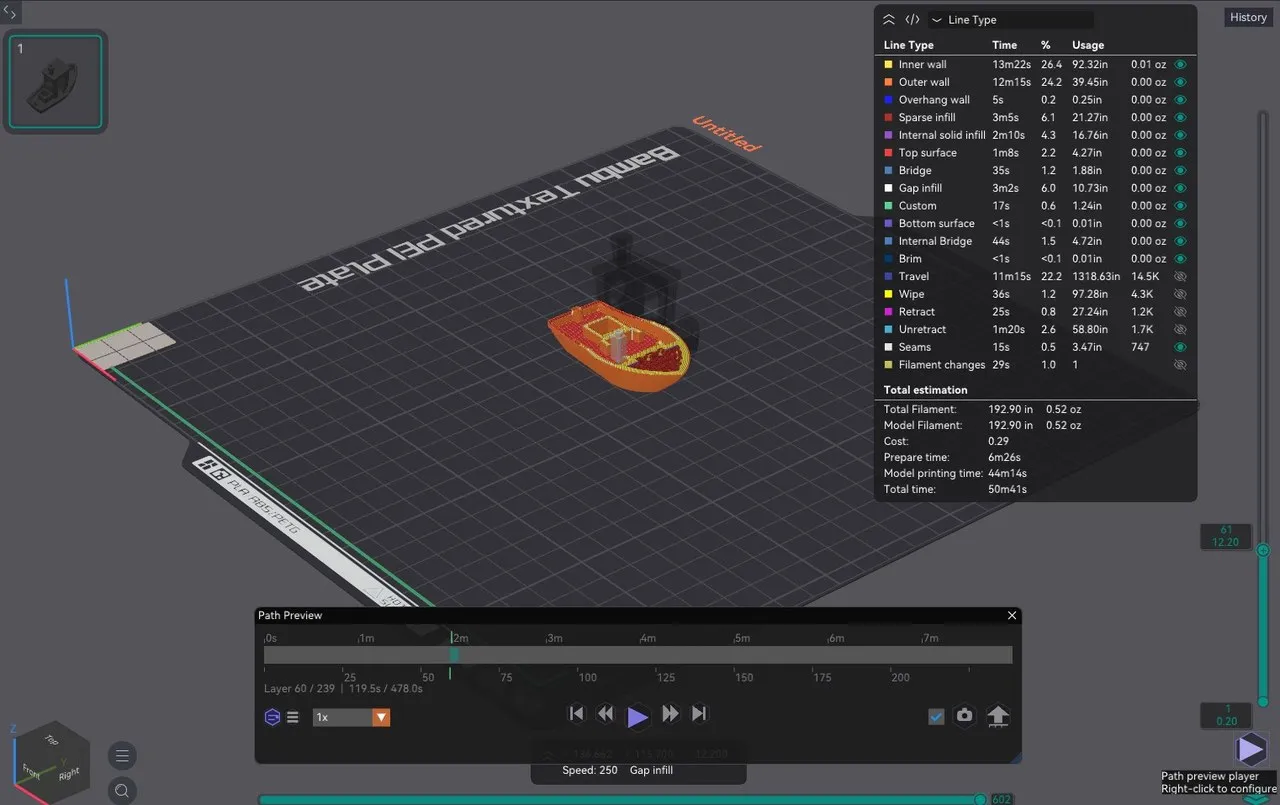
You can play back a toolpath like a video, drag objects along two axes at once, snap copies into place, star the settings you always touch, and watch your printer’s status animate. Everything else is the OrcaSlicer members already know: same profiles, same printers. It ships with a CRASH Space theme, an animated splash screen and community default profiles.
The 2.4 beta has 16 features. Seven are in review to offer back to OrcaSlicer, six are new in 2.4 and still changing, and part stacking is in alpha. GitHub Actions builds every release for Windows, macOS and Linux.
Videos
Overview

Path preview player

Dual axis handles

Plate snapping

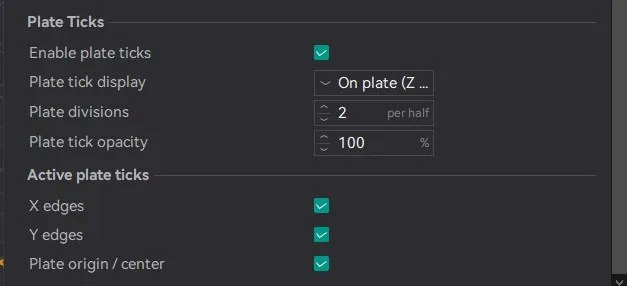
Snap ticks

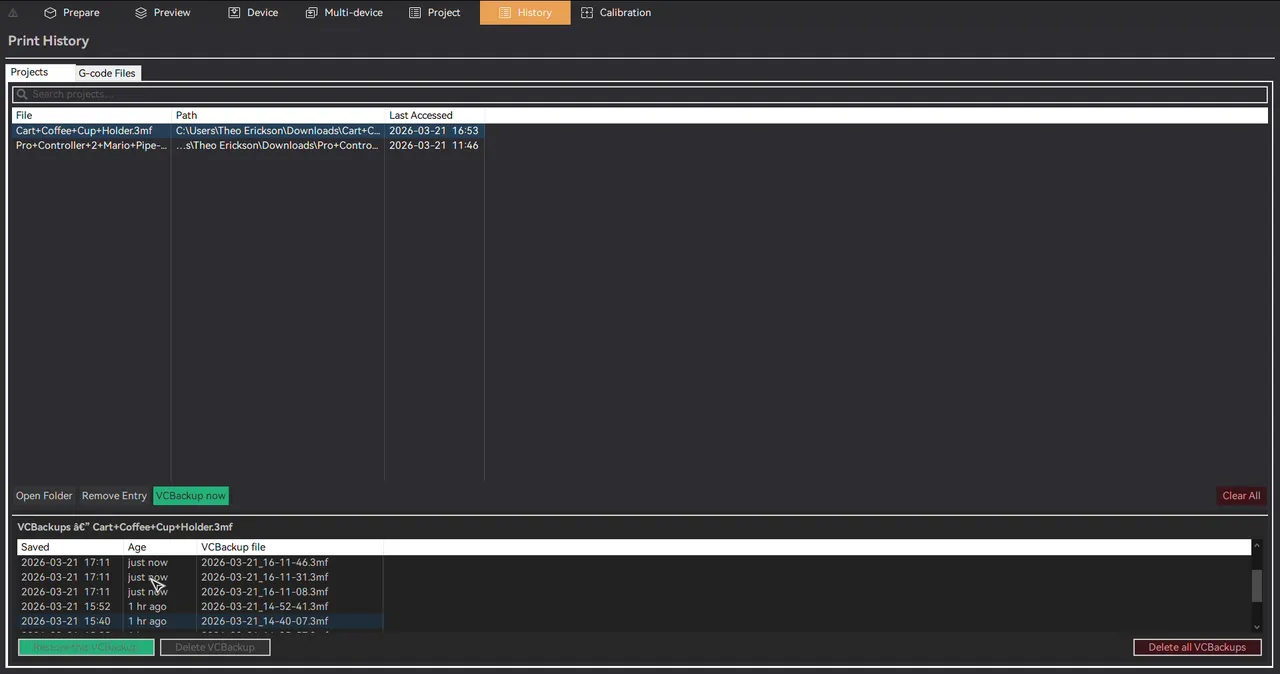
Version control

Favorites

Media
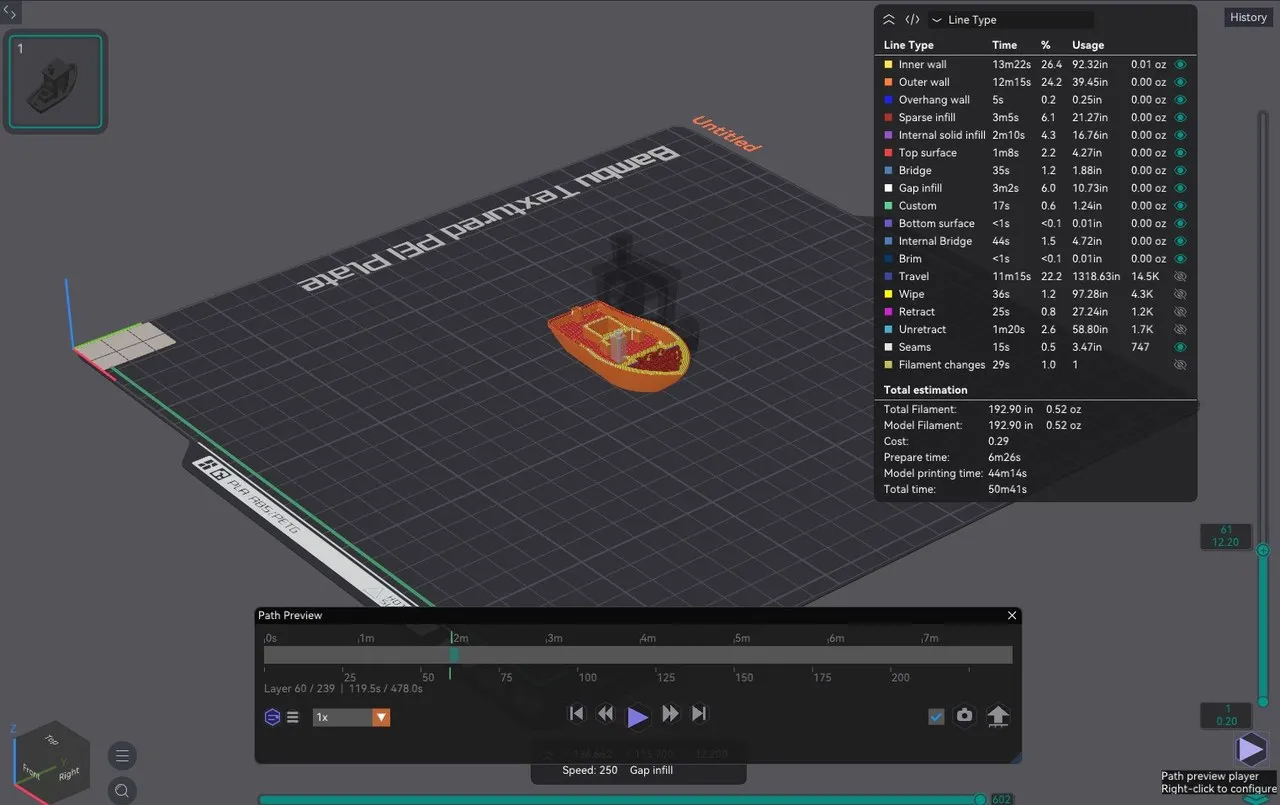
The path preview player 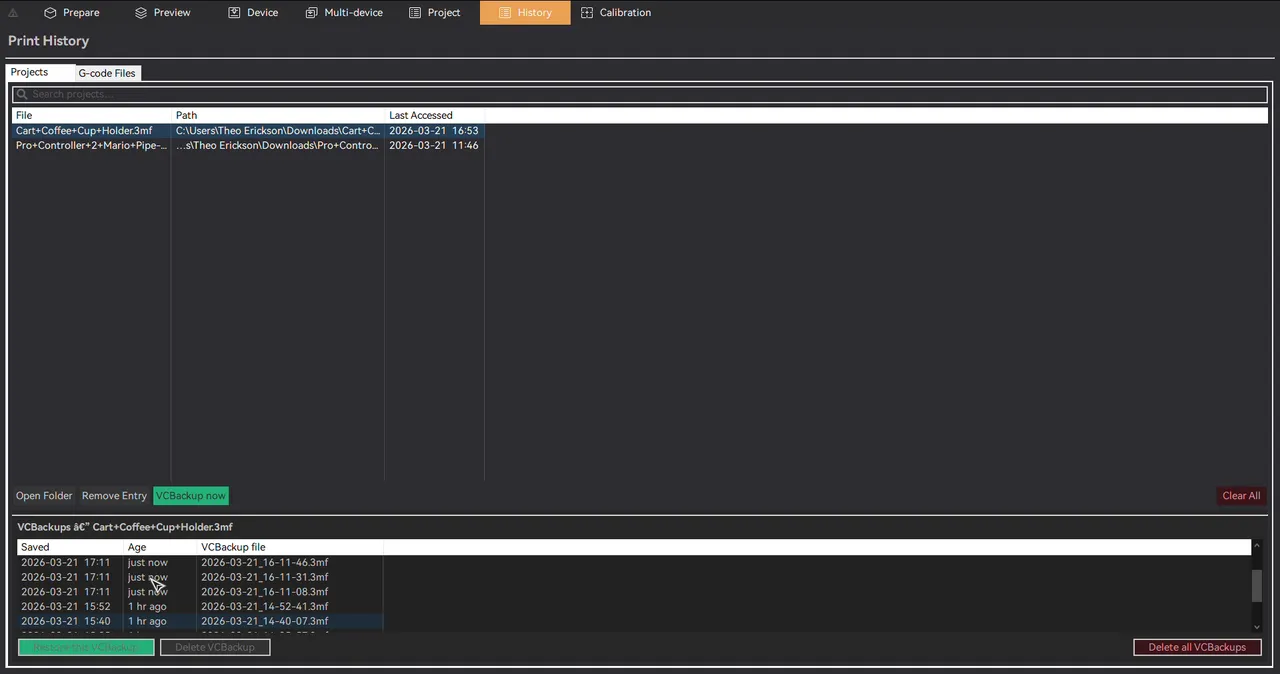
Local version control: roll a project back to an earlier snapshot 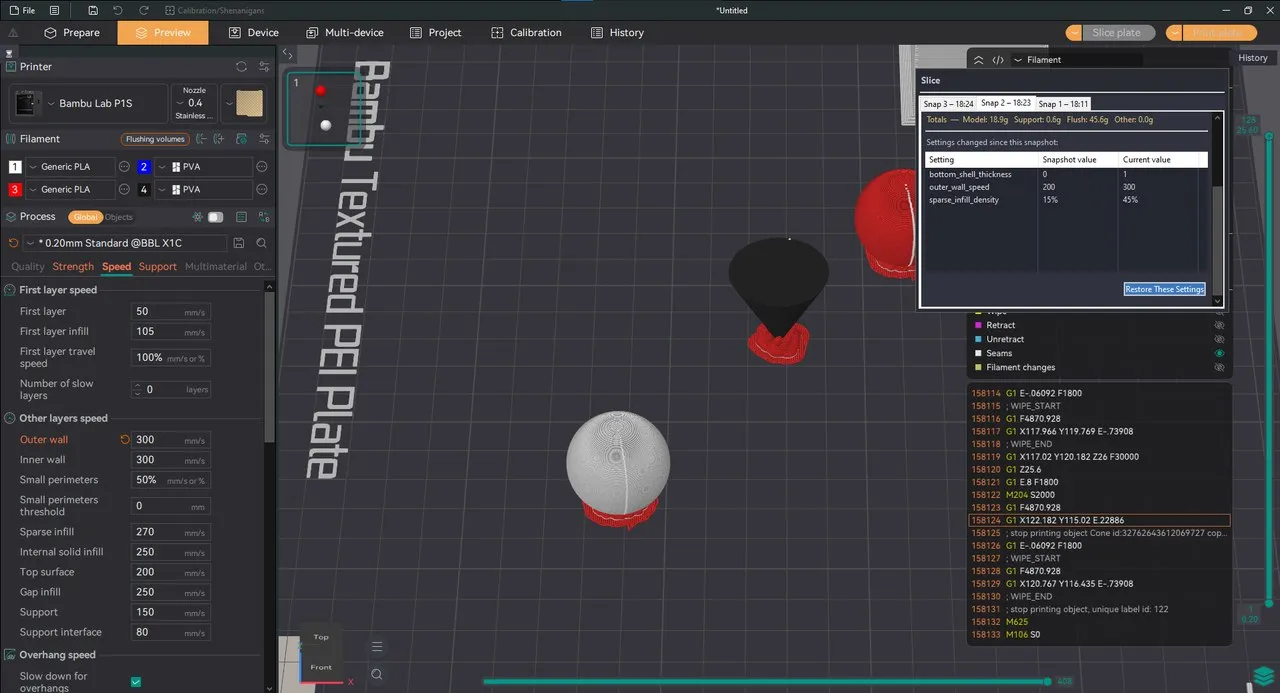
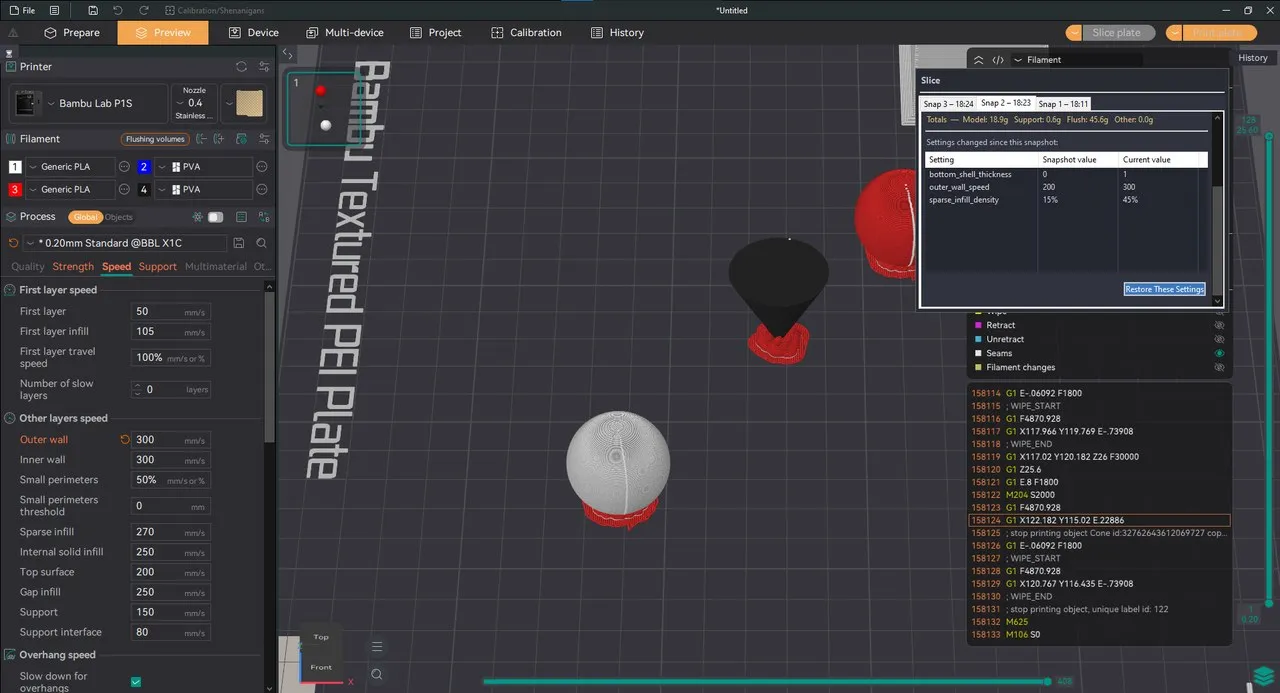
Slice history 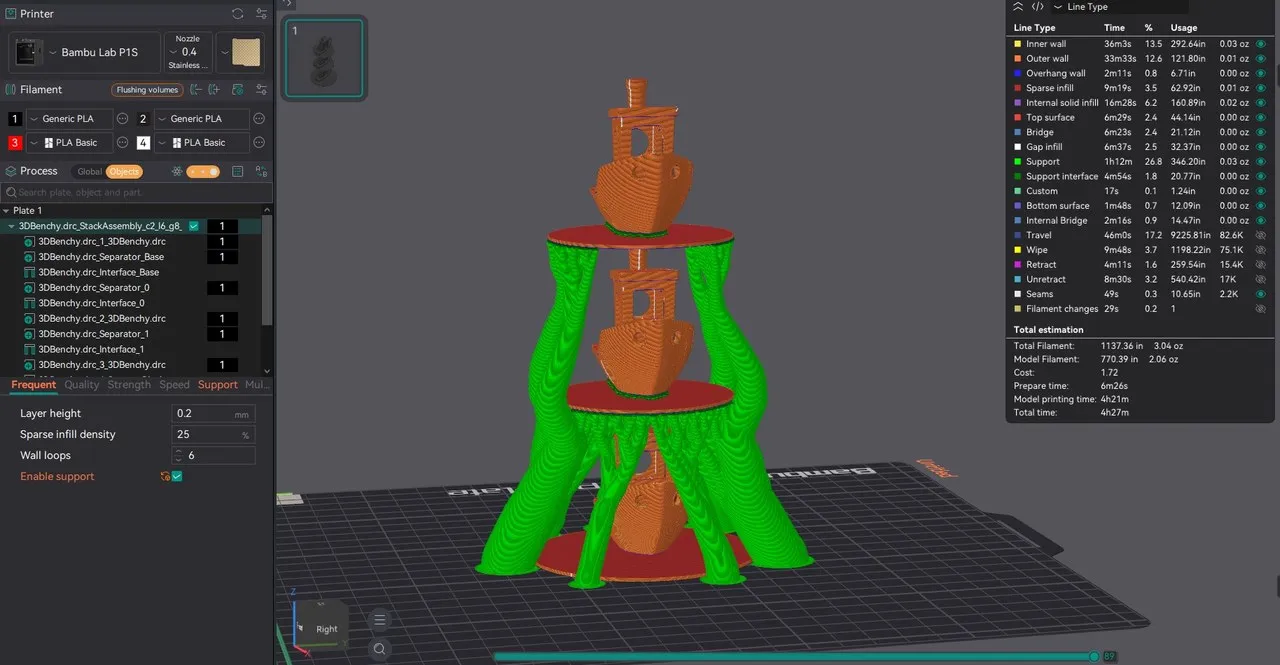
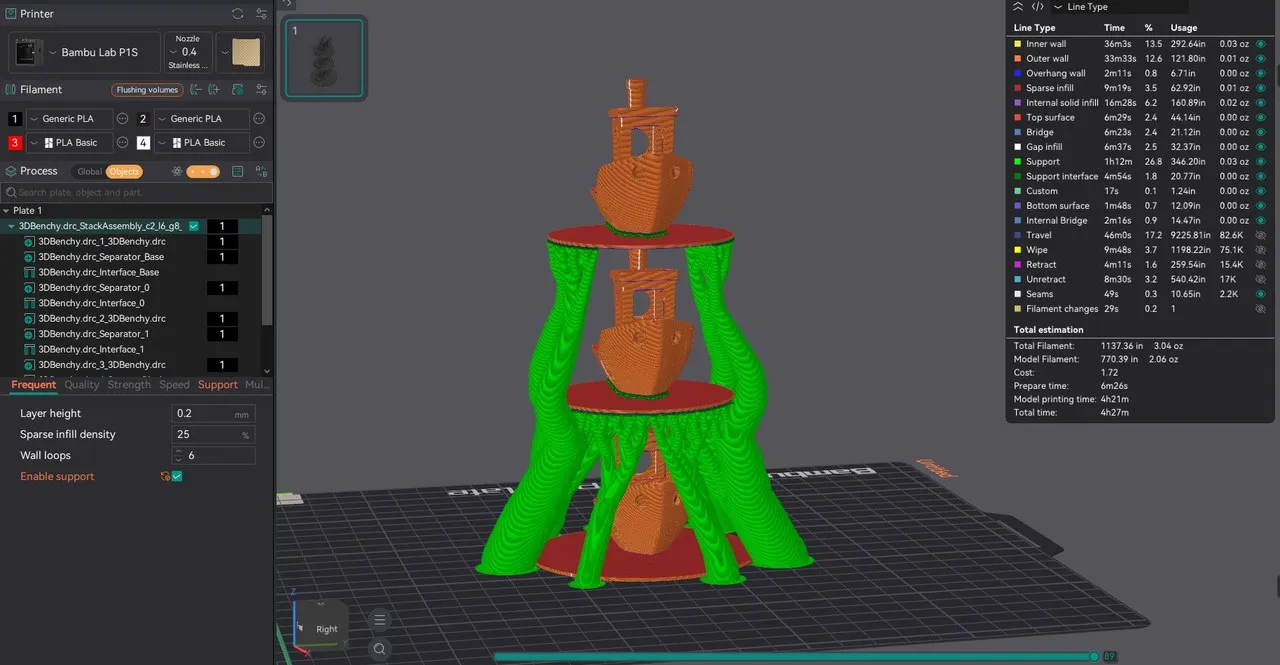
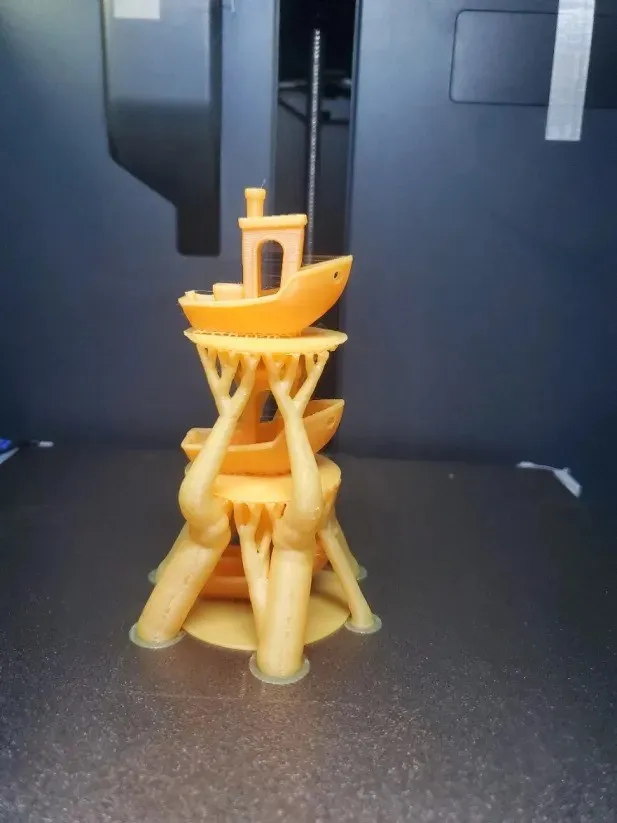
Part stacking (alpha): stack copies in Z to fit more on a plate 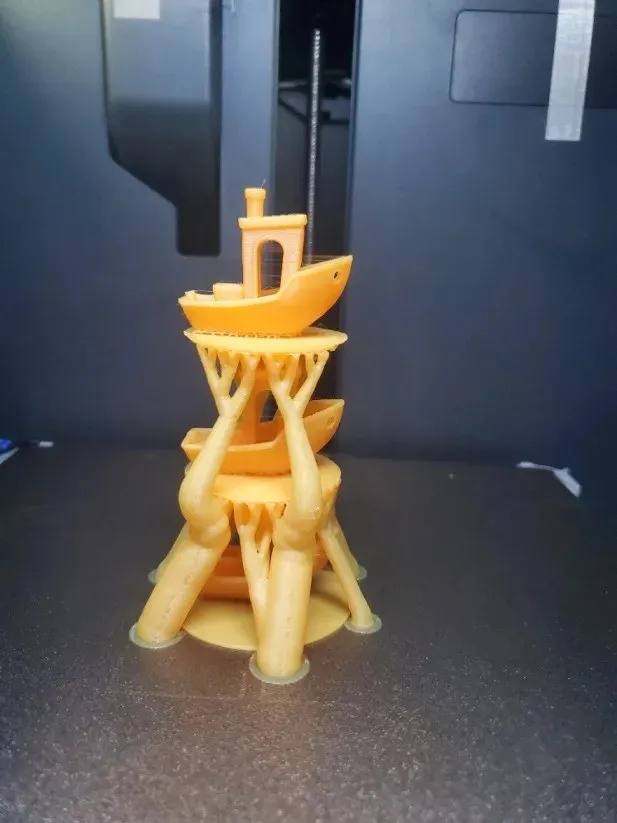
A stacked print, off the printer 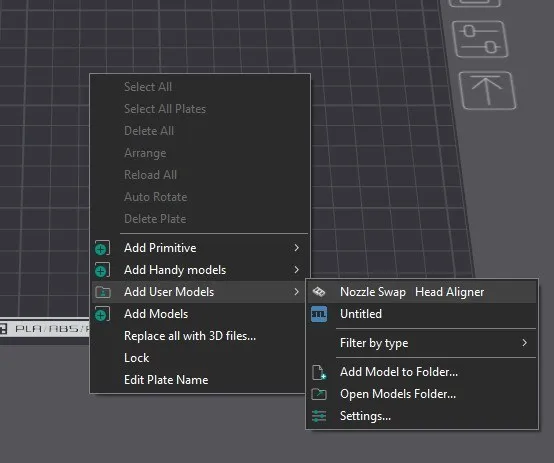
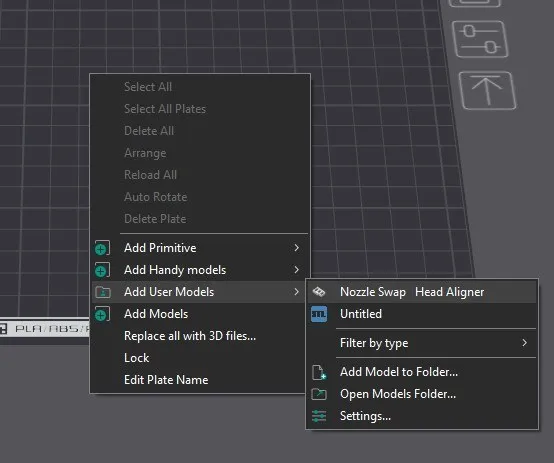
User model library: add go to parts from a right click menu 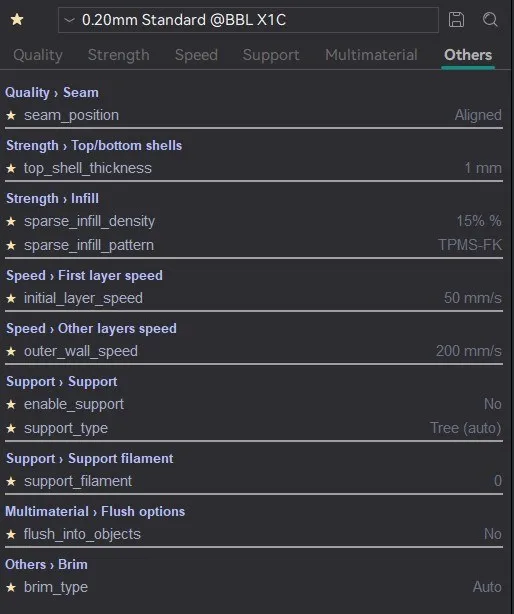
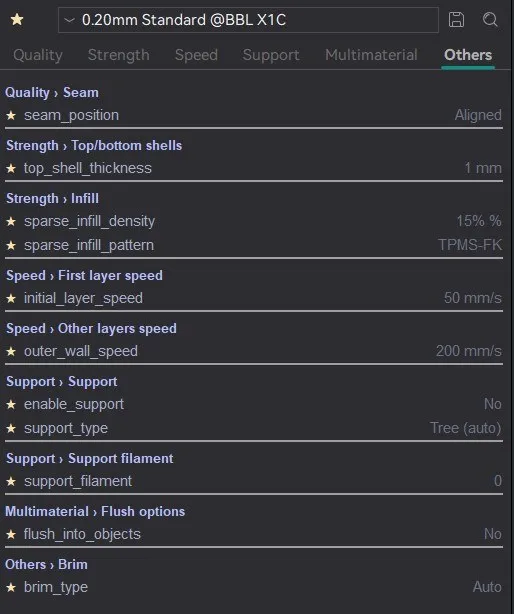
Favorite settings 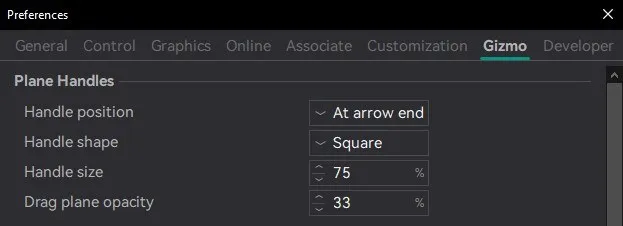
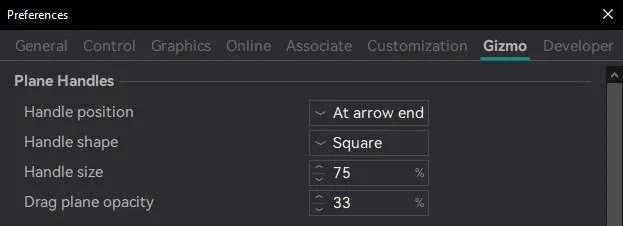
Dual axis preferences 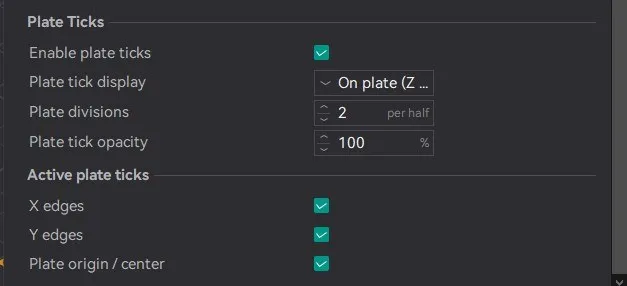
Plate snapping preferences